
Traveling to another country is thrilling, no doubt about it. But let’s be honest—it can get overwhelming fast with language hiccups, getting lost, or just figuring out how to pay for coffee in a new currency.
I’ve learned the hard way that a few smart apps can save you from a lot of headaches. Your phone can really be your best travel buddy if you prep it right.
Essential travel apps can make your trip smoother, help you navigate foreign countries, and keep you sane when things get weird. I’ve pulled together my favorite tried-and-tested apps for international adventures. From getting around new cities to breaking down language barriers, these tools have your back.
Let’s dive in.
1) Google Maps
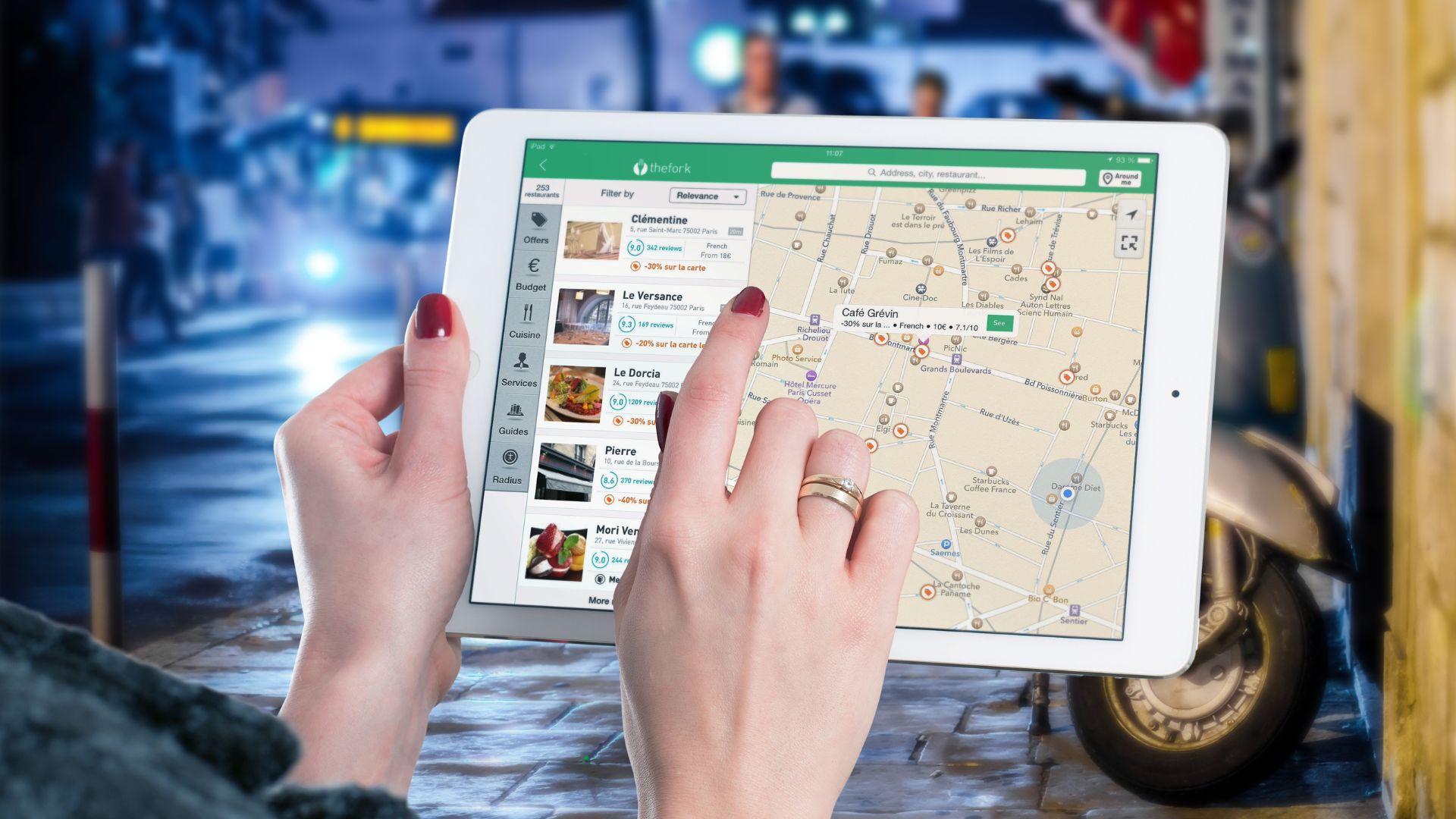
Honestly, I never leave home without Google Maps. I rely on it to find restaurants, hotels, banks—basically anywhere I need to go.
It’s not just about directions. Google Maps shows me the fastest ways to get around using buses, trains, or just my own two feet.
One lifesaver? Offline maps. Before I head out, I always download maps for the cities I’m visiting. That way, I can navigate even without data or WiFi.
I love saving places I want to check out. I just make a list and pull it up wherever I am.
Google Maps gives real-time traffic updates and walking routes, which helps me feel less lost. Plus, it’s free for both iPhone and Android.
2) Google Translate
Google Translate has saved me from so many awkward moments. The app supports more than 100 languages, so it’s handy almost anywhere.
I use it to type in words, speak into my phone, or even point my camera at signs and menus for instant translations.
The conversation mode is a game-changer. I’ve used it to chat with hotel staff and order food without butchering the language too badly.
Before every trip, I download the language packs I’ll need. That way, I can translate stuff even if I’m offline.
It’s free, it’s easy, and it’s helped me out of more than one jam.
3) XE Currency
XE Currency is my go-to for quick conversions. It supports more than 170 currencies and updates rates in real time.
If I’m in a market or somewhere with spotty internet, I can still check conversion rates offline. The app stores the latest updates for me.
It’s simple—I just punch in the amount and see the conversion instantly. I can even track several currencies if I’m hopping between countries.
XE Currency helps me see if I’m getting a fair deal, especially when I’m about to make a big purchase. I like knowing exactly what I’m spending in dollars.

4) TripIt
TripIt makes travel planning so much easier. I just forward my confirmation emails—flights, hotels, car rentals—and the app builds an itinerary for me.
It keeps my work trips and vacations separate, which keeps things organized. I can access all my plans offline, which is a relief when I can’t get online.
I add notes, share plans with family, and use the built-in map tools to get around. It’s especially helpful when I’m juggling a bunch of stops.
Everything I need is in one place, not buried in a hundred emails. That’s a huge stress reducer.

5) Uber
Uber works in over 70 countries and thousands of cities. I always set it up before leaving the States.
I like that I don’t need local cash or have to haggle over prices. The app shows me the fare in dollars, so I know what I’m paying.
Language barriers? No problem. I just enter my destination and the driver gets it automatically.
Payment is seamless—my credit card is already in the app. No awkward tipping moments or math.
Uber usually beats local taxis on price, and I can check my ride history if I need to expense anything later.
Just a tip: download and set up Uber while you still have good WiFi at home.

6) LoungeBuddy
Ever wished you could chill in an airport lounge without elite status? LoungeBuddy makes that possible.
I enter my trip details and the app shows me which lounges I can access, plus info about food, WiFi, showers, and more.
Booking access is easy—sometimes through memberships, sometimes with a one-time pass. I like being able to compare lounges and read reviews before picking one.
It’s a lifesaver on long layovers or when I just want a quiet spot to recharge.
The interface is straightforward, and user ratings help me avoid the duds.

7) Hopper
Hopper is my secret weapon for scoring cheap flights. The app predicts when prices will drop and tells me the best time to book.
I set up price alerts for routes I’m eyeing, and Hopper pings me when fares hit rock bottom.
Now, I can book flights, hotels, and rental cars directly through the app. It’s become a one-stop shop for travel deals.
I love the calendar view—it shows which days are cheapest to fly. If my dates are flexible, I just pick the best deal.
The earlier I start tracking prices, the better the deals I find. Hopper is super easy to use, even if you’re not a tech whiz.

8) Airbnb
Airbnb opens up a world of cool places to stay. I’ve crashed in apartments, cozy rooms, and even a treehouse once.
The app shows me tons of photos, detailed reviews, and the exact spot on the map. I always message the host if I have questions—most are super helpful.
Traveling with friends or staying longer? Airbnb often saves me money over hotels, especially with a kitchen to cook meals.
I like staying in local neighborhoods instead of touristy areas. It feels more authentic.
I always download the app before my trip so I can manage bookings and chat with my host on the go.

9) PackPoint
Packing stresses me out, but PackPoint makes it way easier. I enter my destination, dates, and what I’ll be doing.
The app checks the weather and builds a custom packing list. If rain’s in the forecast, it adds an umbrella for me.
Planning to work out or swim? PackPoint remembers to add the right gear.
I can tweak the list, add or remove items, and check things off as I pack. No more forgetting socks or chargers.
The free version is great for most trips, and I can save past lists to reuse later.

10) Duolingo
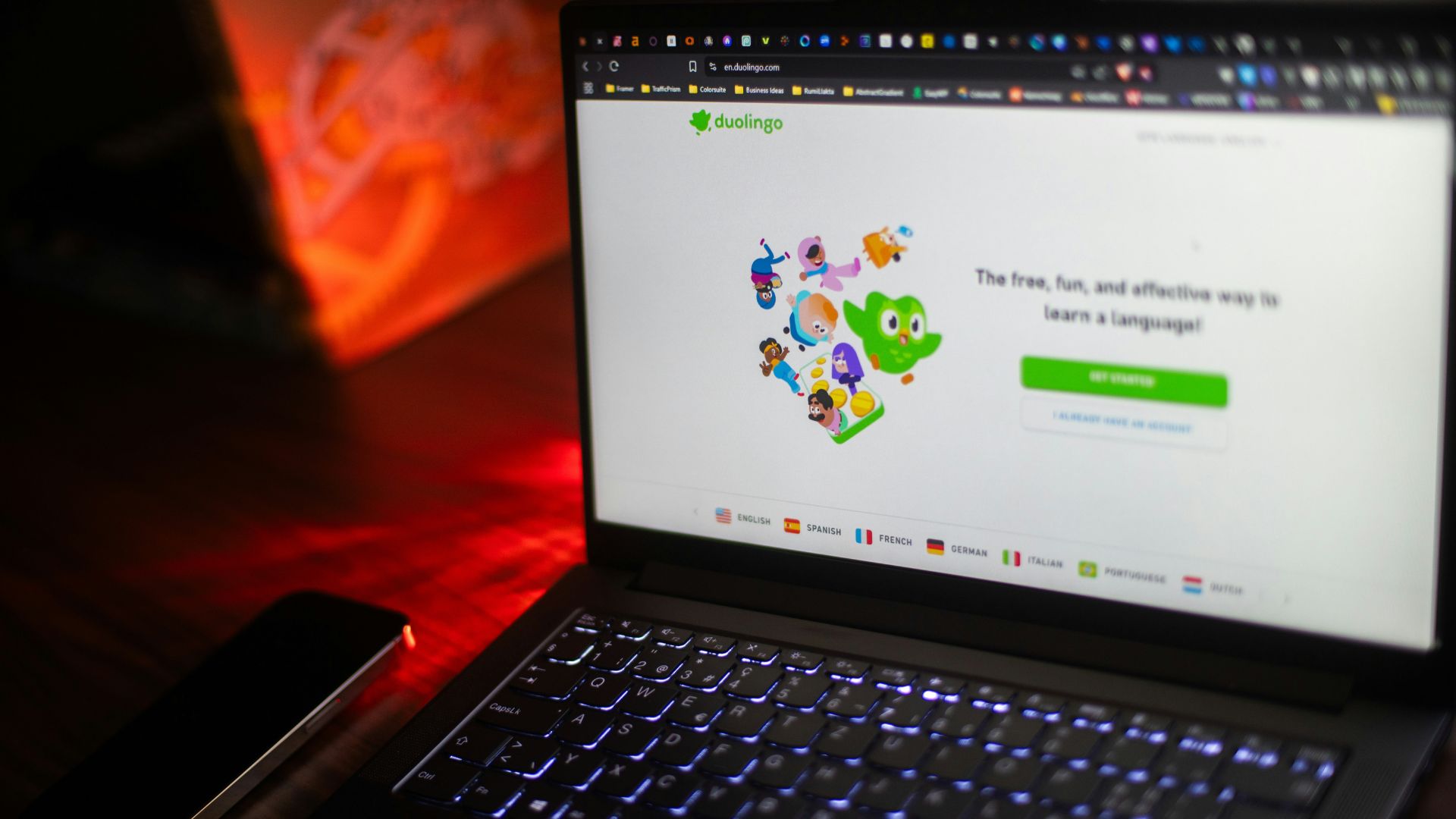
Trying to learn a few phrases before a trip? Duolingo makes it fun. The app turns language basics into a game, and I actually look forward to practicing.
I use it for travel essentials—ordering food, asking directions, saying hello. Courses cover over 40 languages.
I always download lessons to use offline on flights. The free version gives me plenty, but there’s a paid option if I want extras.
Locals appreciate it when I try, even if my accent is terrible. Ten minutes a day really adds up.
Duolingo mixes speaking, reading, and listening, so I get a feel for the language in different situations.
11) CurrencyFair
Moving money abroad doesn’t have to be a rip-off. CurrencyFair helps me send funds internationally at rates close to the real market rate.
I avoid the crazy fees banks and airport kiosks usually charge. The app shows me the exact rate and fees before I send anything.
It’s great for longer trips or if I need to pay for something big overseas. I can transfer money to over 150 countries in more than 20 currencies.
I always set up my CurrencyFair account before I travel—verification takes a bit, so don’t leave it till the last minute.
It’s a huge help for budgeting, especially when I’m gone for a while.

12) Weather Channel App
Weather can flip on you fast when you’re traveling. I’ve learned the hard way that packing the right clothes depends on having a reliable forecast.
The Weather Channel App has saved me more than once. It lets me see detailed weather info for pretty much anywhere in the world.
I like that I can save a bunch of cities in the app. That way, I check the forecast for each stop on my trip before I even get there.
Hourly and daily forecasts pop up, so you know if you’ll need that raincoat or if you can finally wear those sandals. The app also throws out severe weather alerts and notifications about storms or dangerous conditions.
You can pick which notifications you want. I usually turn off anything that’s not urgent.
There’s a radar feature that shows real-time weather patterns. Honestly, it’s helped me dodge a few downpours.
The app’s free on both iPhone and Android. I always download it before heading abroad so I’ve got all my destinations ready to go.
Wherever you’re headed, this app just works. It’s a solid tool for any American on the road.

Key Features to Look for in International Travel Apps
Not all travel apps are created equal. The best ones keep your info safe, work offline, update in real time, and help you handle languages and foreign currencies.
User Security and Privacy
Travel apps end up with a lot of your sensitive info—passport numbers, credit cards, your location. Make sure you choose apps that use encryption when sending and storing your data.
I always check if an app asks for two-factor authentication. It’s just an extra layer of security.
Before downloading, I skim through the privacy policy. Some apps sell your data or track you even when you’re not using them. I prefer apps that let me control what info they collect.
If an app asks for weird permissions, that’s a red flag. Why would a currency converter need my camera? Stick to official app stores, and check reviews from other travelers for any sketchy behavior.
Offline Accessibility
Let’s be real: you won’t always have internet abroad. Data roaming gets expensive, and Wi-Fi can be spotty.
Apps that work offline are a lifesaver. I download maps, guidebooks, and language packs before leaving home.
The best apps let you save specific cities or regions, not just entire countries. That saves space on your phone.
Check how much storage you’ll need for offline features. Some map apps eat up a lot of space, so make sure you’ve got room.
Real-Time Updates
Flights get delayed, gates change, and sometimes things just go sideways. Apps that update you in real time can save your trip.
Travel alert apps let you know about safety issues, weather emergencies, or political stuff in your destination. The U.S. State Department’s STEP program sends security updates for wherever you’re headed.
Currency exchange rates jump around all day. Apps that update rates live help you decide when to swap money. Live tracking in transportation apps shows you exactly when your bus or train will show up.

Language and Currency Support
Translation apps break down those awkward language moments in restaurants, hotels, or shops. The best ones work with text, voice, and even images.
Just point your camera at a sign or menu, and the app spits out a translation. It feels like magic sometimes.
Look for translation apps that cover lots of languages and don’t need internet. Some only work between English and one other language, which isn’t great if you’re hopping between countries.
Currency converters should handle all the big currencies and update rates often. The best ones let you track several currencies at once and show you exactly what you’re spending in U.S. dollars.
Some even help you figure out tips or split bills if you’re traveling with friends.
Maximizing the Benefits of Travel Apps Abroad
Just downloading apps isn’t enough. Setting them up right and tweaking the settings for international use makes all the difference.
Syncing Across Multiple Devices
I like having my travel apps on my phone, tablet, and sometimes even my laptop. Signing into the same account everywhere means my bookings, maps, and plans show up wherever I need them.
Before I leave, I download offline content on all my devices. Google Maps lets you save map areas, and Google Translate lets you grab language packs for each device.
I keep travel docs and reservations in cloud-based apps like TripIt, Google Drive, or Dropbox. If I add a new ticket or hotel confirmation, it pops up on all my devices.
I always turn on automatic backup for photos and important screenshots. Losing a phone abroad is bad enough without losing all your memories, too.

Customizing App Settings for Local Use
I switch my apps to local formats before I land. Weather in Celsius? Sure, if the country uses metric. Distances in kilometers? Makes sense.
Turning on offline mode is a must. I save my whole trip route in Google Maps, stash restaurant lists in TripAdvisor, and cache guidebook pages. That way, I’m not scrambling for info without data.
I tweak notification settings to dodge roaming fees. I turn off automatic updates and background refresh for apps I don’t need. Social media notifications can wait, but I keep flight alerts and transit updates on.
For payment apps, I set them to show prices in the local currency. That makes budgeting way easier and avoids surprises at checkout.
Frequently Asked Questions
Travelers ask a lot about which apps to use and how to get the most out of them. The right mix of navigation, communication, and planning tools can really smooth out your trip.
I never leave home without Google Maps for getting around, Google Translate for language hiccups, and XE Currency for exchange rates.
TripIt keeps my travel documents in order, and Uber handles reliable rides. For me, those five apps are the bare minimum before heading out of the U.S.
Google Maps and Google Translate are both free, and they work in almost every country.
Google Maps lets you download maps to use offline. Google Translate offers text and camera translation for free.
XE Currency is also free and covers over 180 currencies. Once you download the latest rates, the app works offline. Uber’s app is free, though you’ll pay for rides.
TripIt is my go-to for organizing travel plans. I just forward my booking emails to the app, and it builds a master itinerary with all my flights, hotels, and reservations.
Everything ends up in one spot, so I’m not digging through emails at the airport. TripIt works offline, which is a huge plus.
TripIt lays out your whole trip in a timeline, using your booking confirmations. You’ll see flight times, gate numbers, hotel addresses, and reservation details in order.
You can share your itinerary with family or travel buddies. It keeps everyone on the same page about where to be and when.
Google Maps is hands-down the most popular navigation app for Americans abroad. The Street View feature helps you spot landmarks and find your way.
Uber’s huge because it works in over 70 countries and feels the same everywhere. No need to speak the language or mess with foreign cash. Google Translate is another favorite since it supports 100+ languages and even has a conversation mode for real-time chats.
TripIt really steps up for group travel. You can set up a shared itinerary, and everyone in your group can jump in, add updates, or make changes on the fly.
Everyone gets notifications if a flight’s delayed or a gate suddenly moves. That little ping can save you from a mad dash through the airport.
Google Maps makes it super easy to share your location. Ever tried finding your friends in a packed market or a busy station? With this, you can just check the map and wander over—no frantic texting needed.
Uber’s another lifesaver for groups. You can request rides for everyone, and the app lets you split fares right there—no more awkward cash exchanges or chasing down that one friend who always forgets to pay.